Program Sub-category
Documentation for sub-categories in the Program module. Parent categories are documented separately: Program Category.
- Base URL (Admin):
https://admin.acusolo.net/ - Base URL (Web app):
https://web.acusolo.net/
Data model (sub-category)
Sub-categories use the same table as parent categories. A sub-category is a row where parentId is set to a parent category id (not null). See Program Category — data model for the parent side.
Admin list: Sub-categories
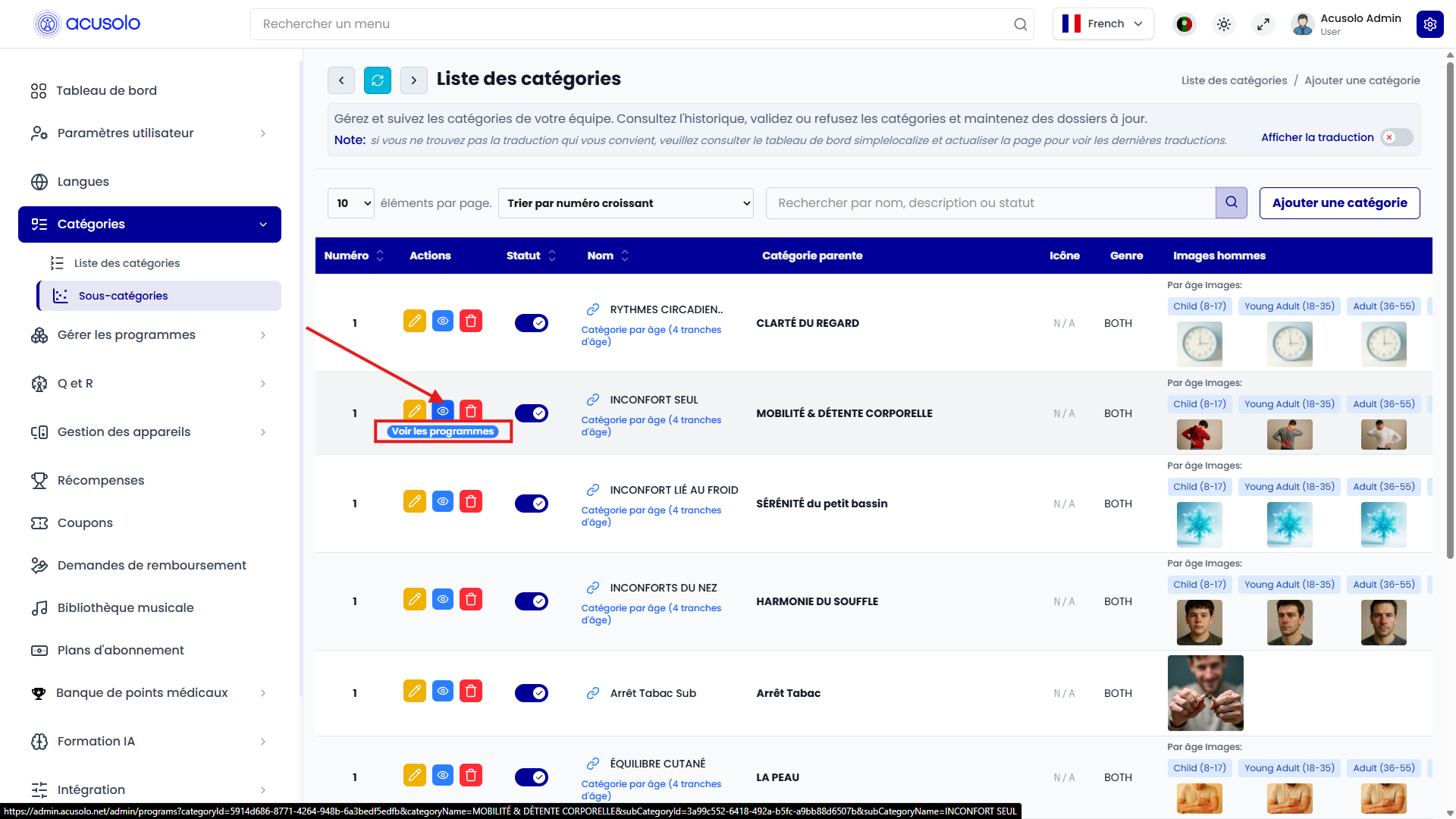
Columns
The sub-category list uses the same structure as the category list, with one additional column:
| Column | Definition |
|---|---|
| Parent Category | Shows which parent category this row belongs to (parentId). Read-only in the list; set or changed in create/edit via the Parent category field. |
All other column definitions (Serial, Actions, Status, Name, Icon, Gender, images, Description, Timestamp, field rules) match Program Category — Columns.
Actions and behavior
- Edit (pen): opens the edit modal (same form family as Edit category); sub-category rows include a parent selection.
- View (eye): navigates to programs for that sub-category (for example tooltip Voir les programmes in the admin UI).
- Delete (trash): same confirmation and permanent delete behavior as parent categories.
- Status toggle: same visibility rules for mobile and web app.
Create sub-category
Creating a sub-category uses the same modal as a parent category, but you must select a Parent category so parentId is set. For field-by-field behavior (images, description, age-based toggle, icon HTML), see Create category modal on the Program Category page.
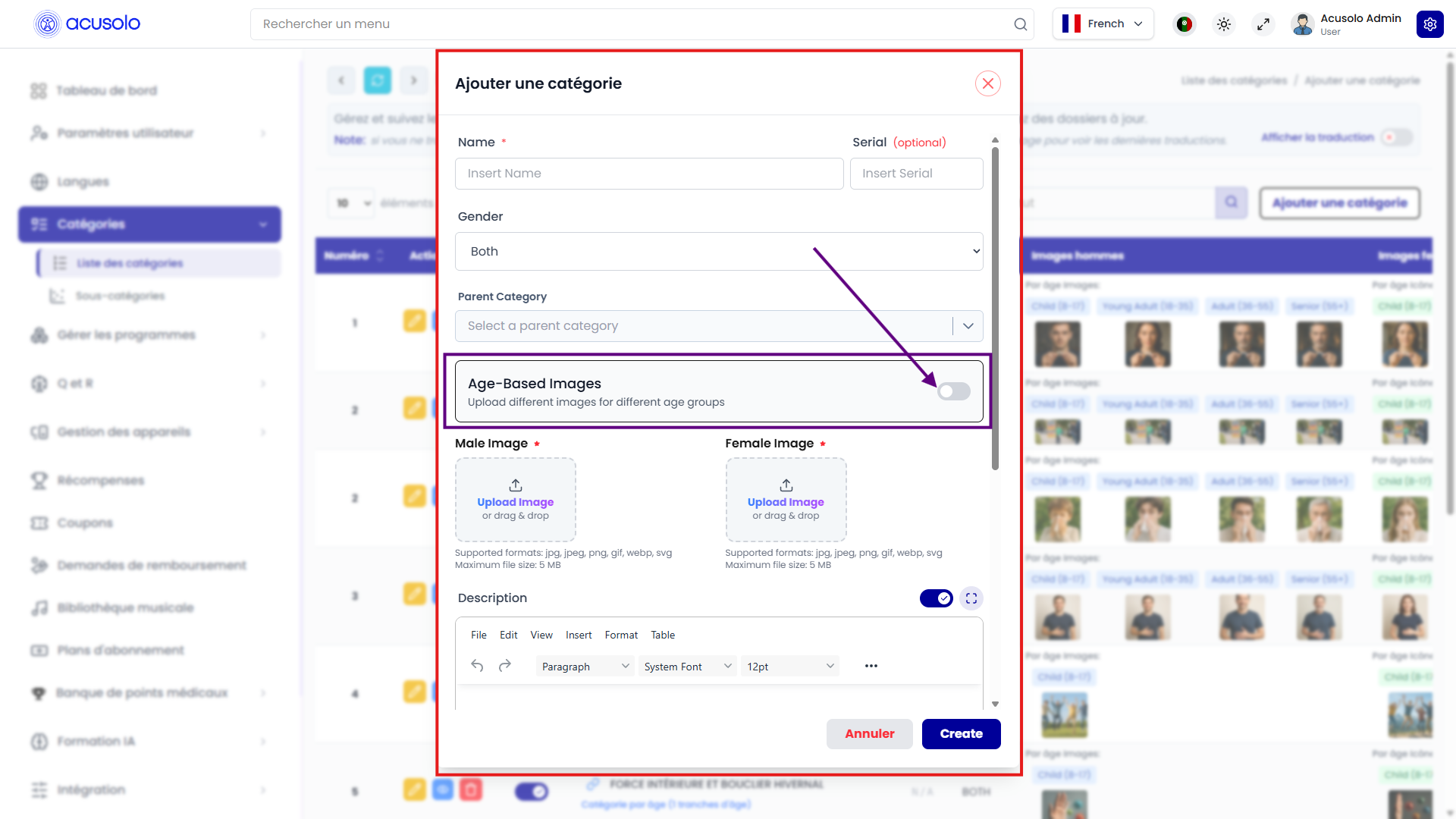
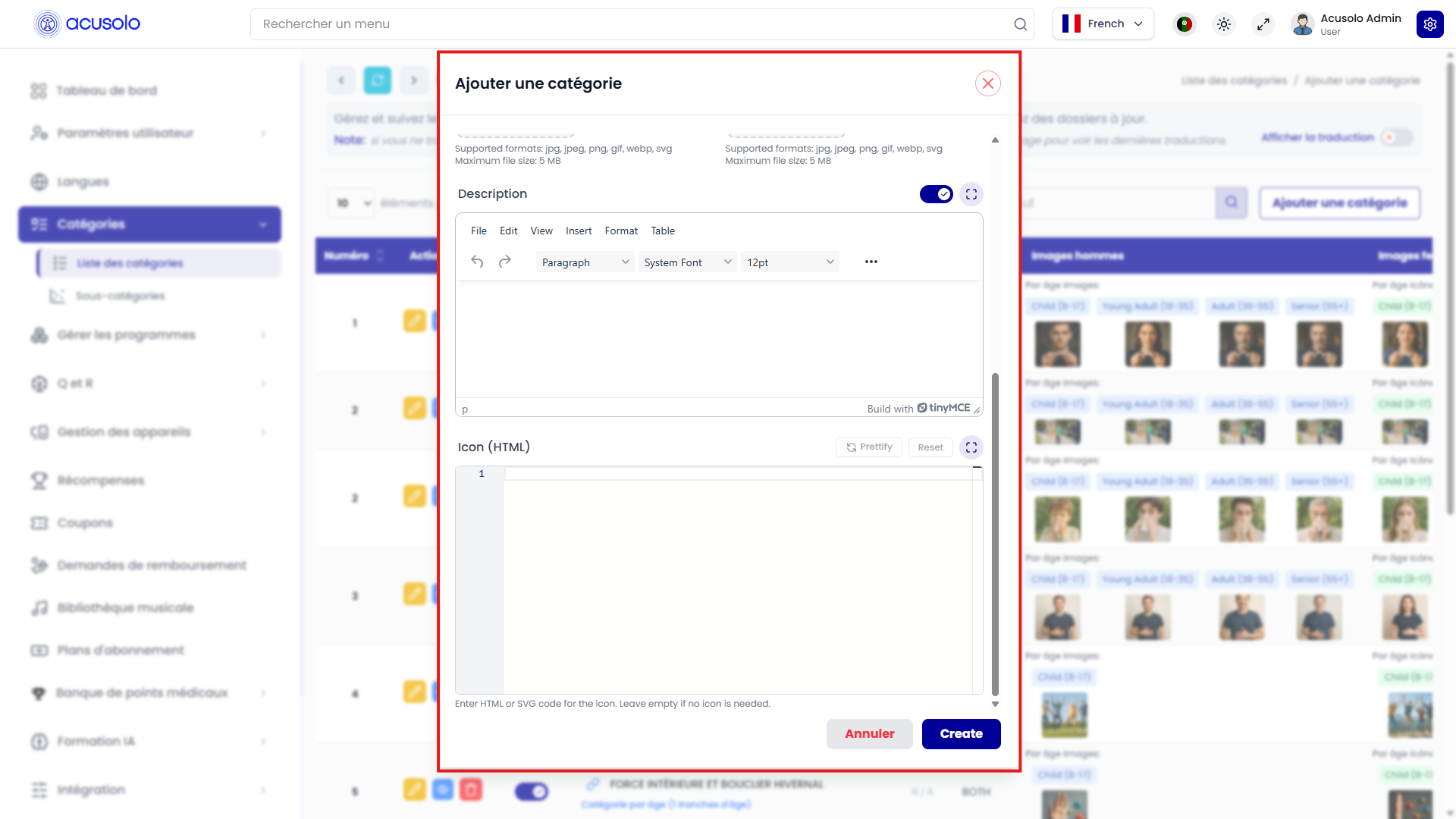
Edit sub-category
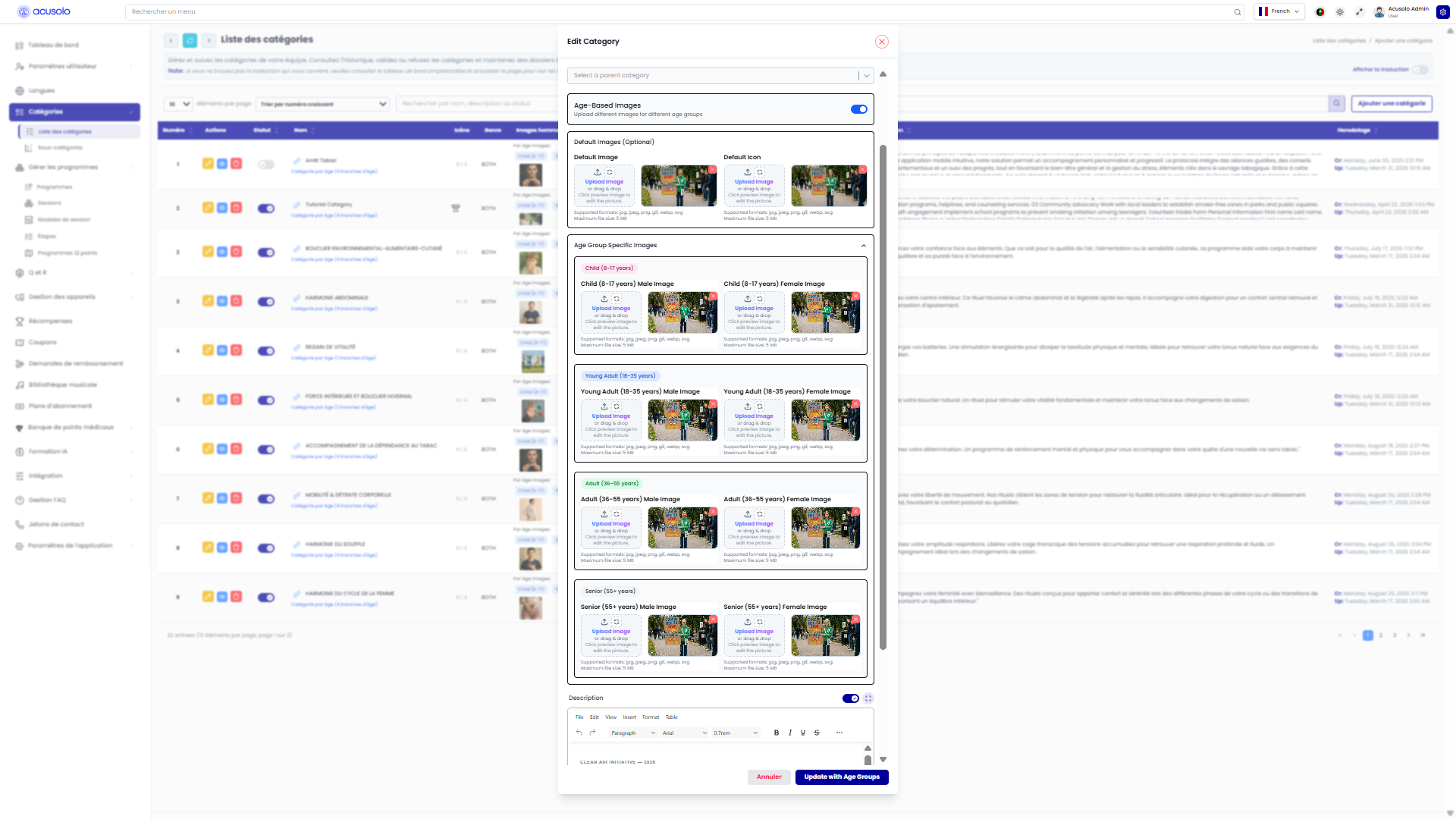
Edit uses the same patterns as Edit category: you can change the Parent category to move a row between parents when the product allows it.
Age-based images
Sub-categories support the same Age-Based Images option and age groups as parent categories. See Age-based images toggle.
Web UI: sub-category
Sub-category detail and programs
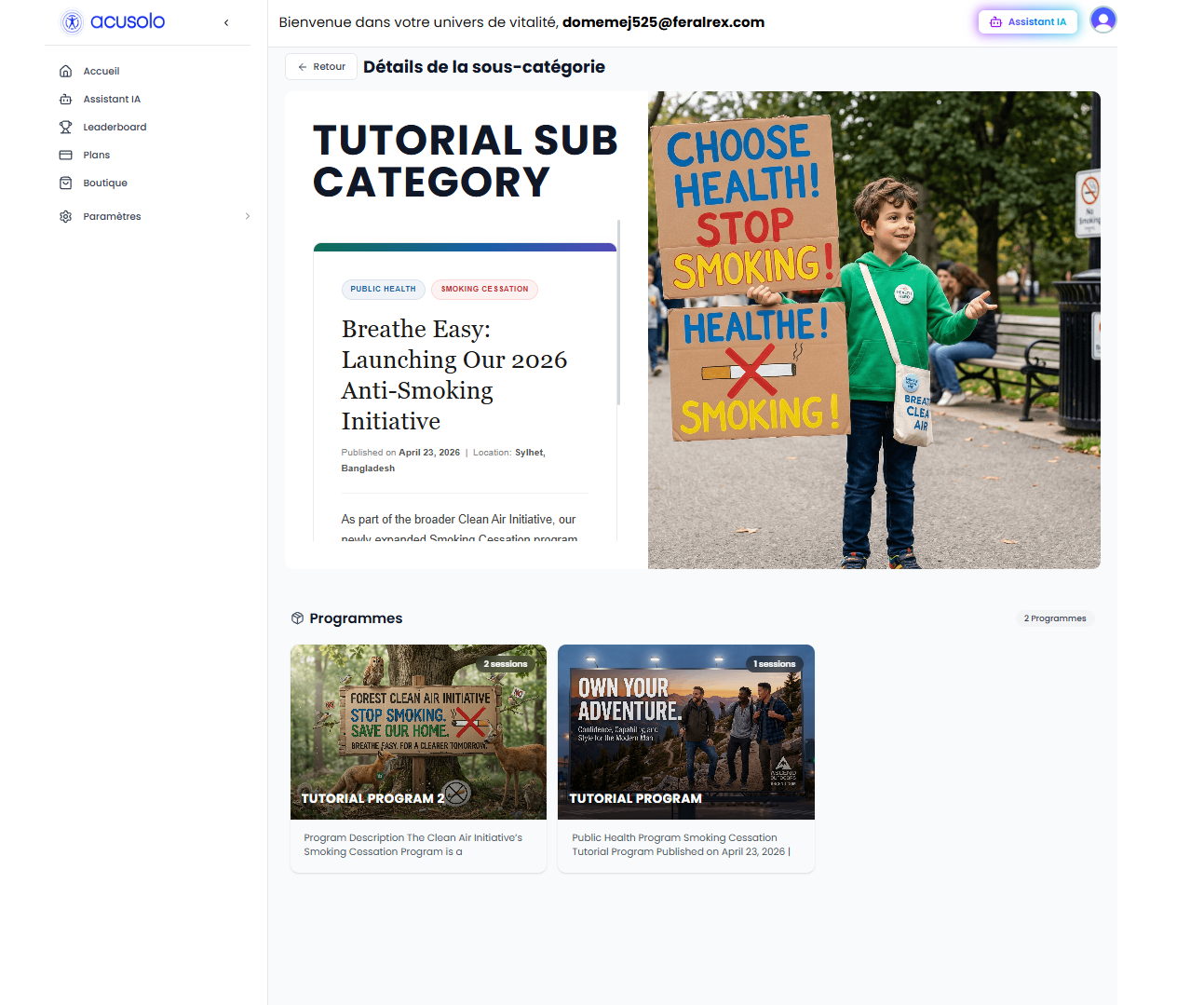
If multiple programs exist, program cards are shown for selection.
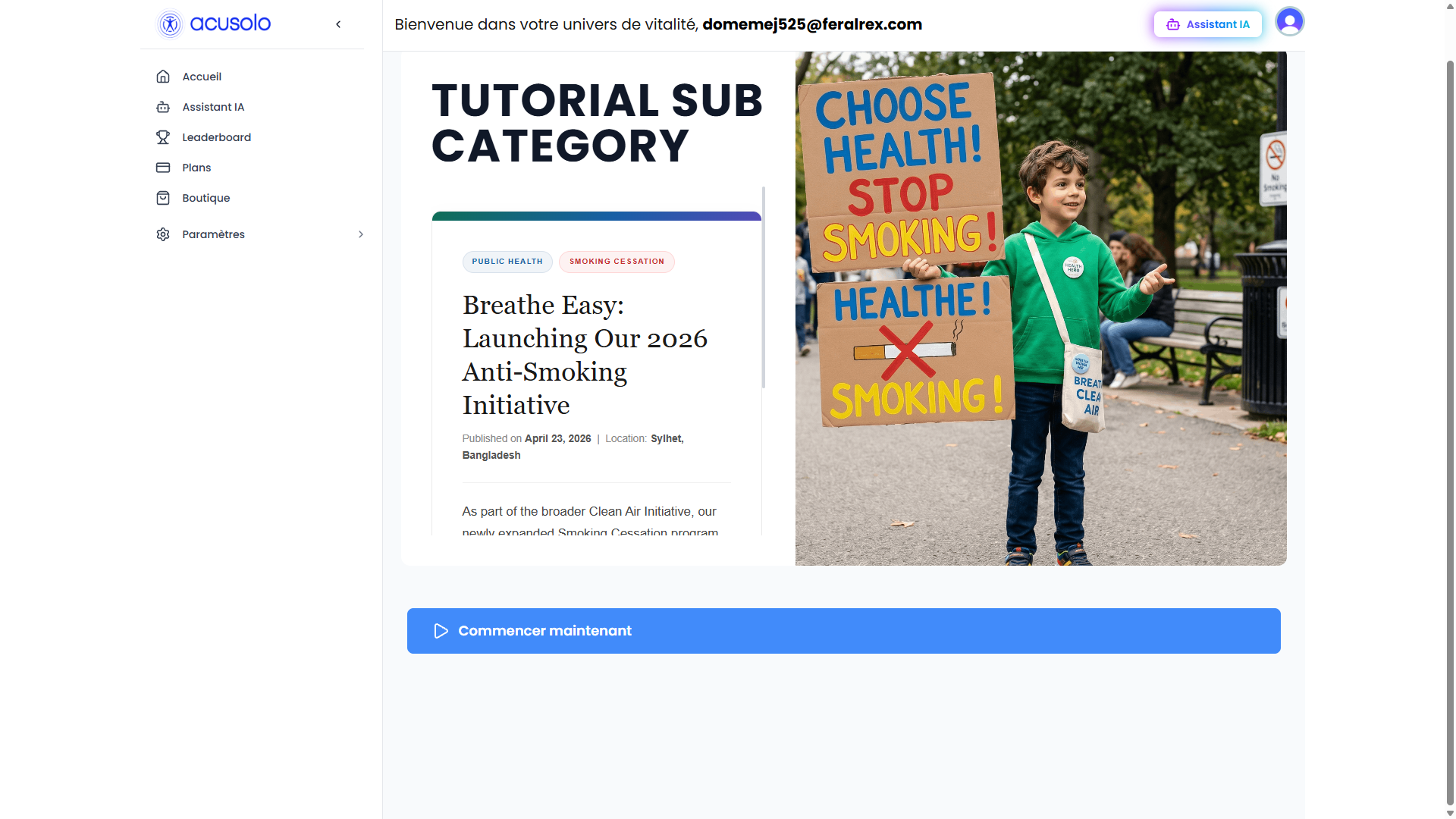
If only one program exists, the UI can show a direct Start / Commencer action instead of a card grid. Example program URL shape:
https://web.acusolo.net/program/c304cf66-8500-4543-b3a3-3669c946de6c
URL binding (sub-category)
Detail pages support both id-based and slug-based routes. Example:
https://web.acusolo.net/category/tutorial-sub-category
Video walkthrough
The walkthrough for categories and sub-categories lives on the Program Category page: Video walkthrough.