AI Indexing
This page controls vector index maintenance for AI retrieval data (programs/categories and related knowledge records).
Admin route:
https://admin.acusolo.net/admin/ai/indexing
Main page overview
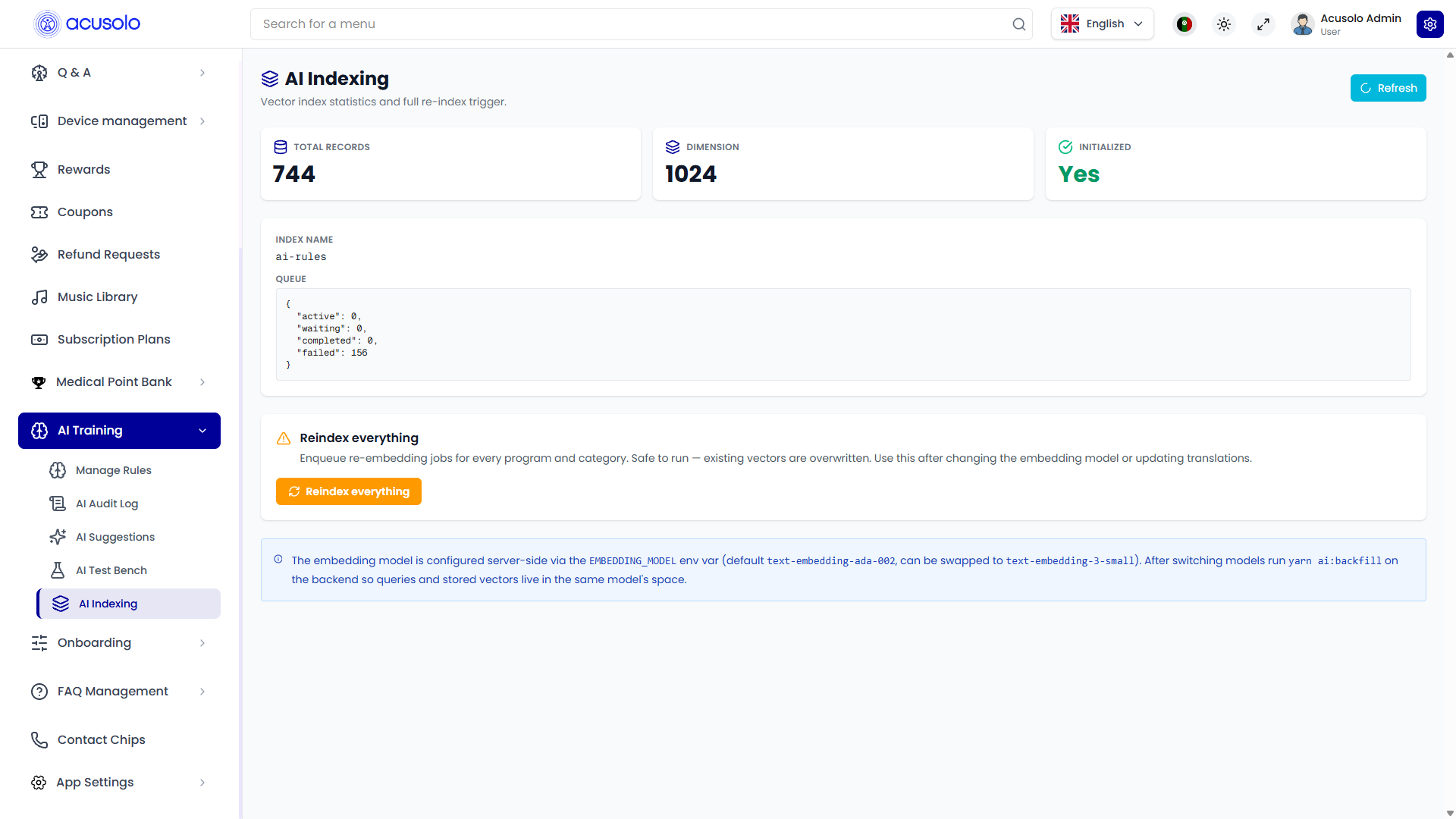
The screen is operational (maintenance + status) and typically includes:
- Total Records
- Dimension
- Initialized
- Index Name
- Queue status block (active / waiting / completed / failed counters)
Top-right Refresh reloads current stats.
Reindex action (important)
The marked action button triggers re-indexing.
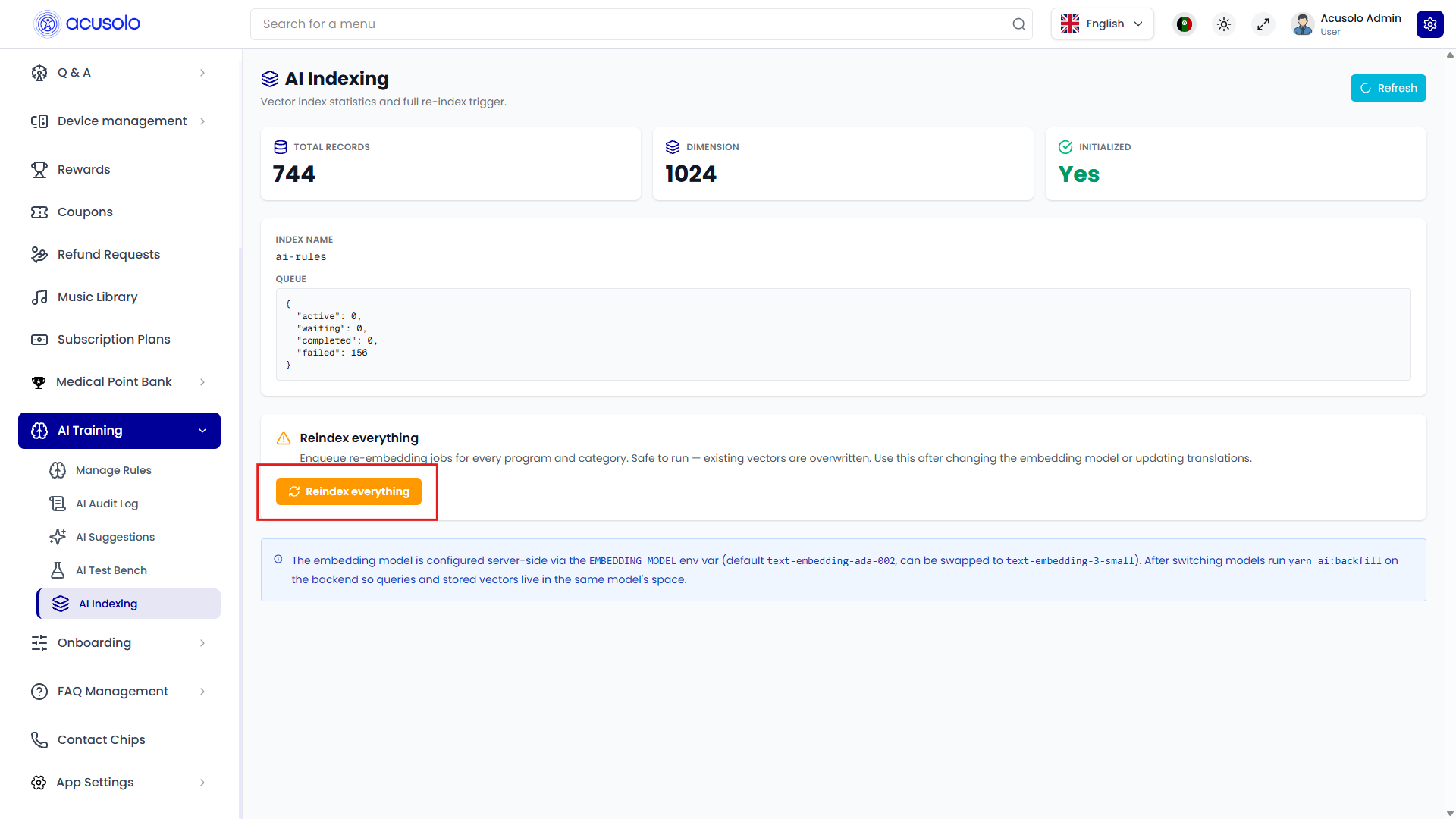
- Button: Reindex everything
- Purpose: enqueue re-embedding / re-index jobs for program and category vectors
- Expected effect: vector entries are rebuilt/overwritten in the configured index space
Status and observability
After running reindex:
- monitor Queue counters (
active,waiting,completed,failed) - verify Initialized and Total Records
- use Refresh to inspect latest progress and final state
This is the primary place to check the last indexing condition/status in admin.
Usage notes
- Use after embedding model changes, major content updates, or translation refreshes.
- Use after inserting/updating many rows in program and category tables so retrieval can include latest records.
- Reindex keeps AI chat suggestions aligned with newest operational data (instead of stale vector snapshots).
- Run during controlled windows if index rebuild can affect retrieval consistency.
- For downstream behavior verification, cross-check:
- AI Audit Log for runtime traces
- AI Suggestions for recommendation output trends